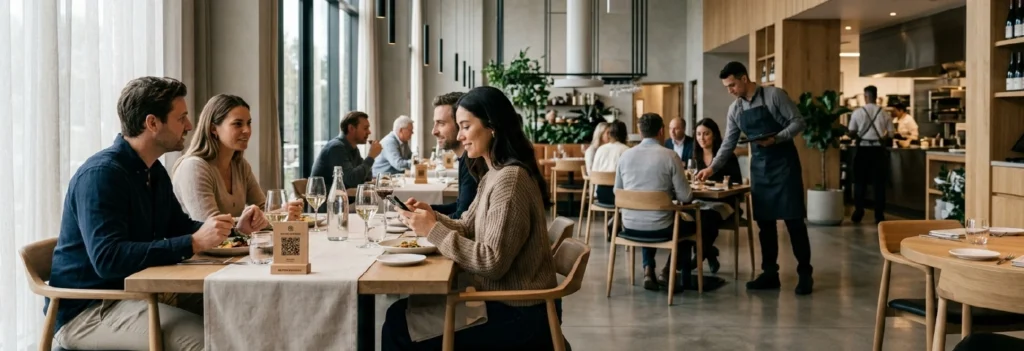
Restaurant Ordering Insights
Explore practical guides, comparisons, and examples of restaurant ordering systems — from QR menus and tablet ordering to self-service kiosks and POS-connected workflows.
This category page brings together articles on the main restaurant ordering formats, so you can compare options, understand where each one fits, and go deeper into the topics most relevant to your service flow.
Start with the comparisons if you are evaluating models, or go directly to the format-specific guides if you already know what you want to explore.
QR vs Kiosk vs Tablet Ordering: Which Is Best for Your Restaurant?
QR Ordering vs Self-Service Kiosk: Which Is Better for Restaurants?
Self-Ordering Kiosks in Restaurants: Benefits, Challenges, and Use Cases
Tablet Ordering in Restaurants: When It Works Best (and When It Doesn’t)
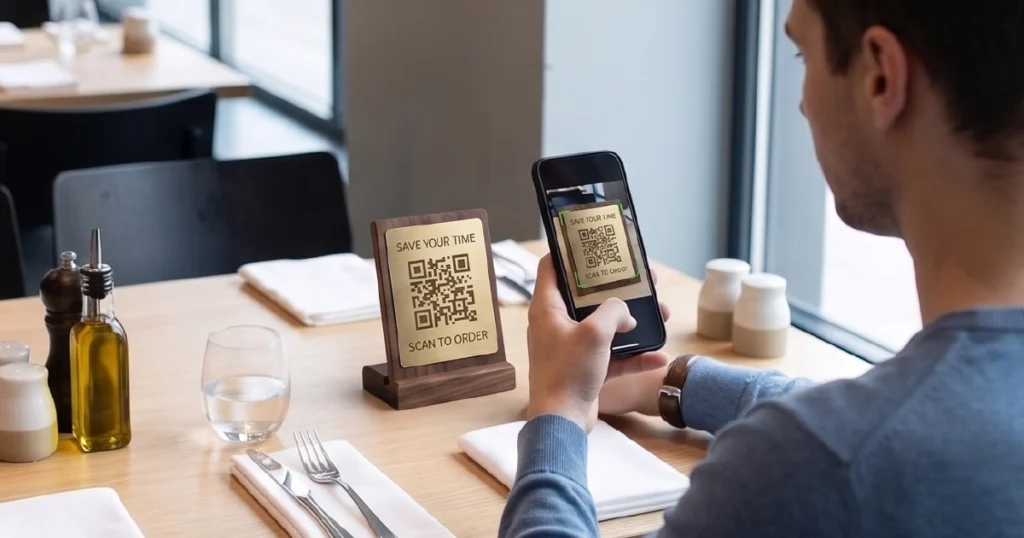
What Is QR Ordering for Restaurants (and How It Works)
Digital Ordering Systems for Restaurants: Types, Use Cases & How They Work
What Is a Digital Ordering System for Restaurants (and How It Works)
QR Ordering vs Tablet Ordering: Which Is Better for Restaurants?
What You’ll Find in
Ordering Insights
Format Guides
Learn how QR ordering, tablet menus, and kiosks work in practice.
Side-by-Side Comparisons
Compare formats, tradeoffs, and use cases across different service models.
Operational Insights
Understand how ordering setup affects speed, staffing, and service flow.
Implementation Context
See how ordering systems connect with POS, guest journeys, and venue layout.
Explore the Main Ordering Formats
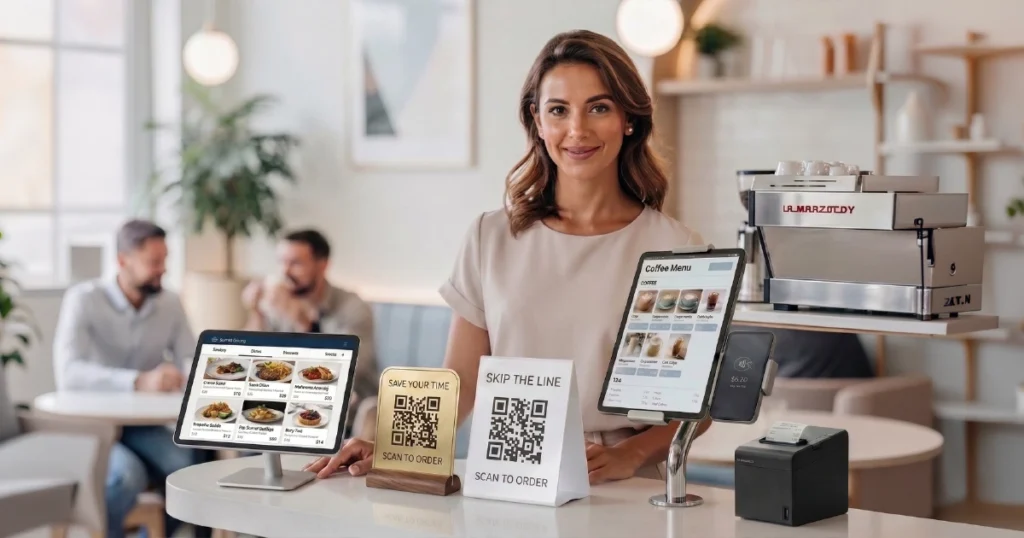
The articles in this category cover the main restaurant ordering formats and the different ways they fit into real operations.
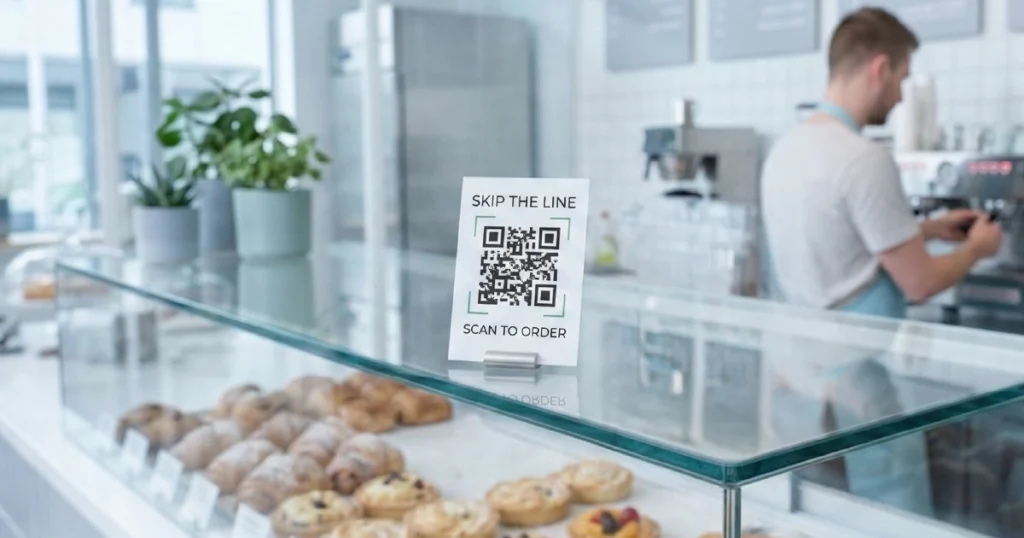
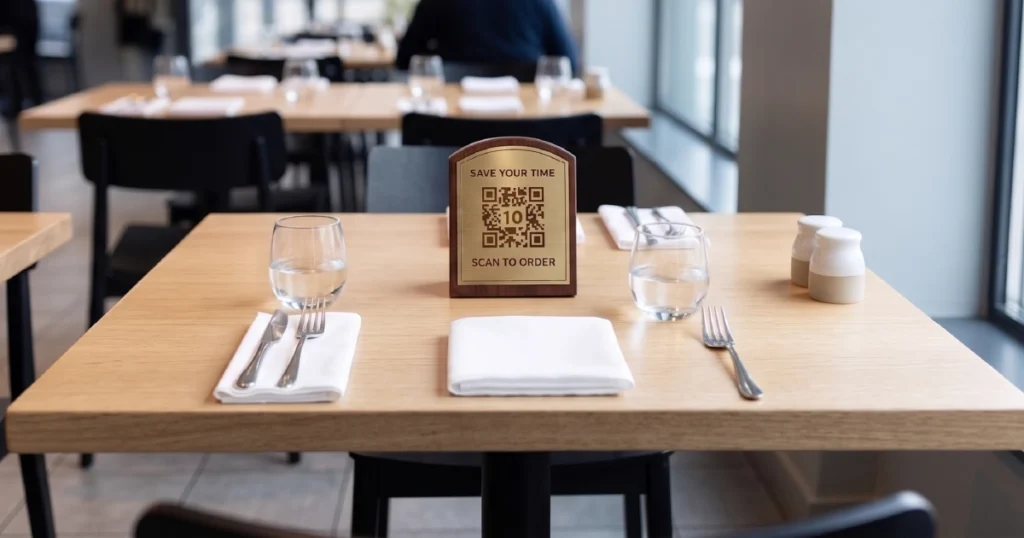
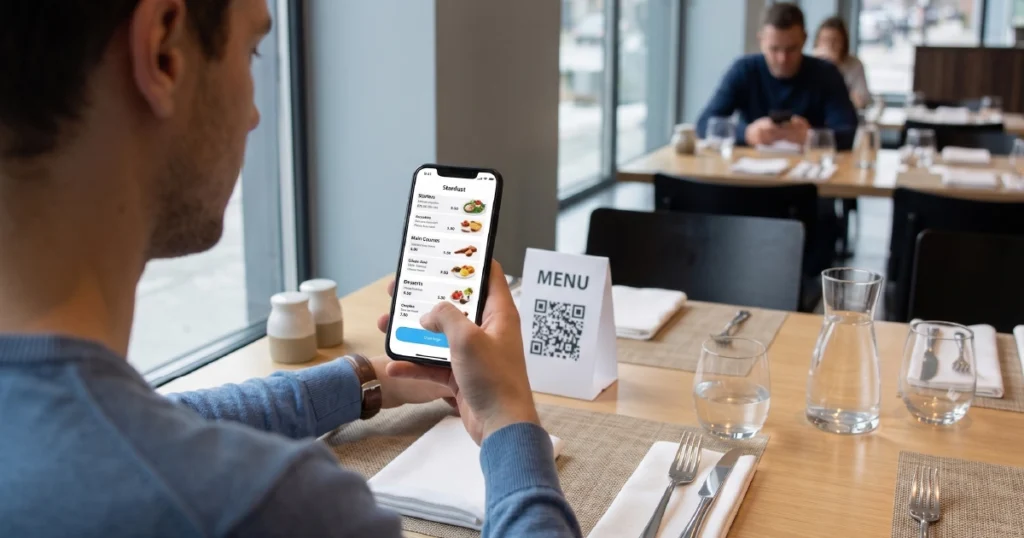
- QR Ordering — for phone-based ordering at the table or at self-service points
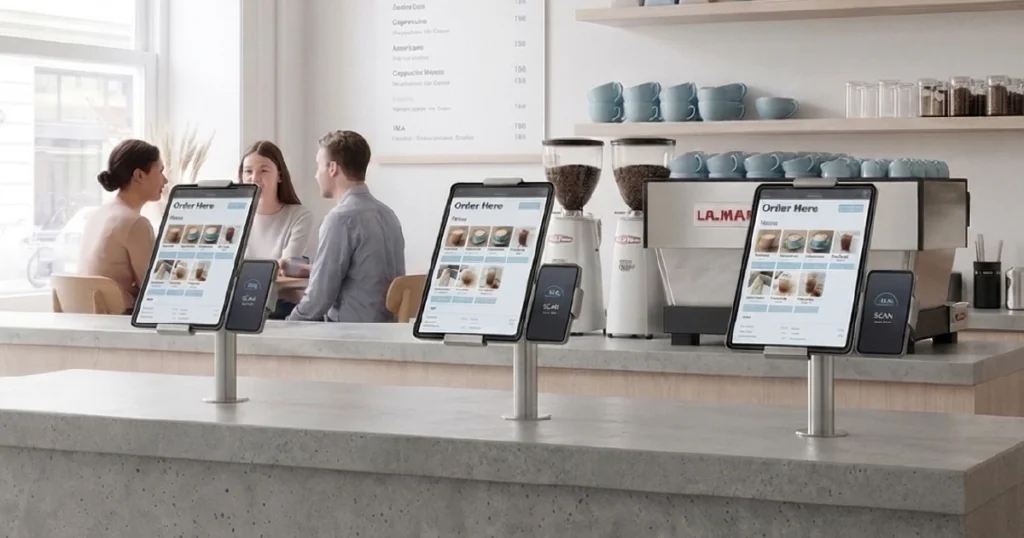
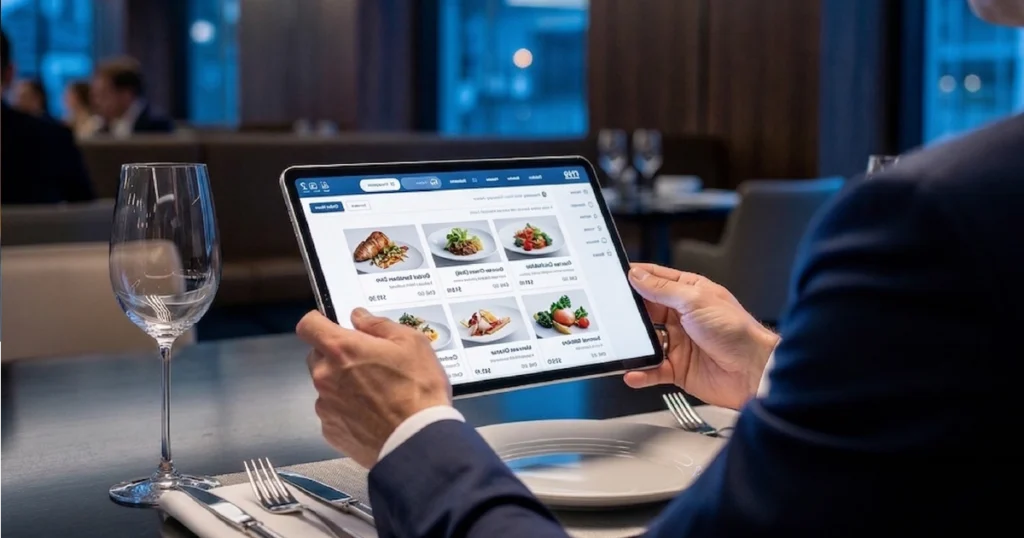
- Tablet Menus — for guided in-venue ordering on restaurant-provided devices
- Kiosk Ordering — for structured self-service in high-volume environments
If you are comparing formats rather than looking for one specific model, start with the comparison articles above and then explore the format-specific guides.
FAQ
A restaurant ordering system is any setup that helps guests browse menus, place orders, and sometimes pay through digital or assisted workflows. For a fuller explanation, see what a digital ordering system for restaurants is.
The main formats covered in this category include QR ordering, tablet-based ordering, and self-service kiosks. Many restaurants use a mix of these formats depending on service model and guest flow. You can explore the main types of digital ordering systems here.
There is no single best option for every venue. The right fit depends on service model, guest flow, and operational priorities. For a side-by-side comparison, see QR vs kiosk vs tablet ordering.
Yes. Digital ordering can also work well for small restaurants and cafés, especially when the format matches the venue layout, service style, and guest flow.
In many cases, yes. POS integration often makes digital ordering more reliable by keeping orders and menu data aligned. Learn more about POS integration.
Yes. Many venues combine QR, tablets, and kiosks in the same operation depending on service point, guest journey, and ordering flow.
They can improve speed, reduce manual steps, and create smoother service flows. The exact impact depends on the format and how it fits into operations. You can also explore how QR ordering and tablet ordering affect day-to-day service.
Ordering Solutions
Mentioned in These Guides
Need Help Choosing the Right Ordering Setup?
Explore the product pages if you want to review the available formats, or book a demo if you want to discuss the best setup for your venue.