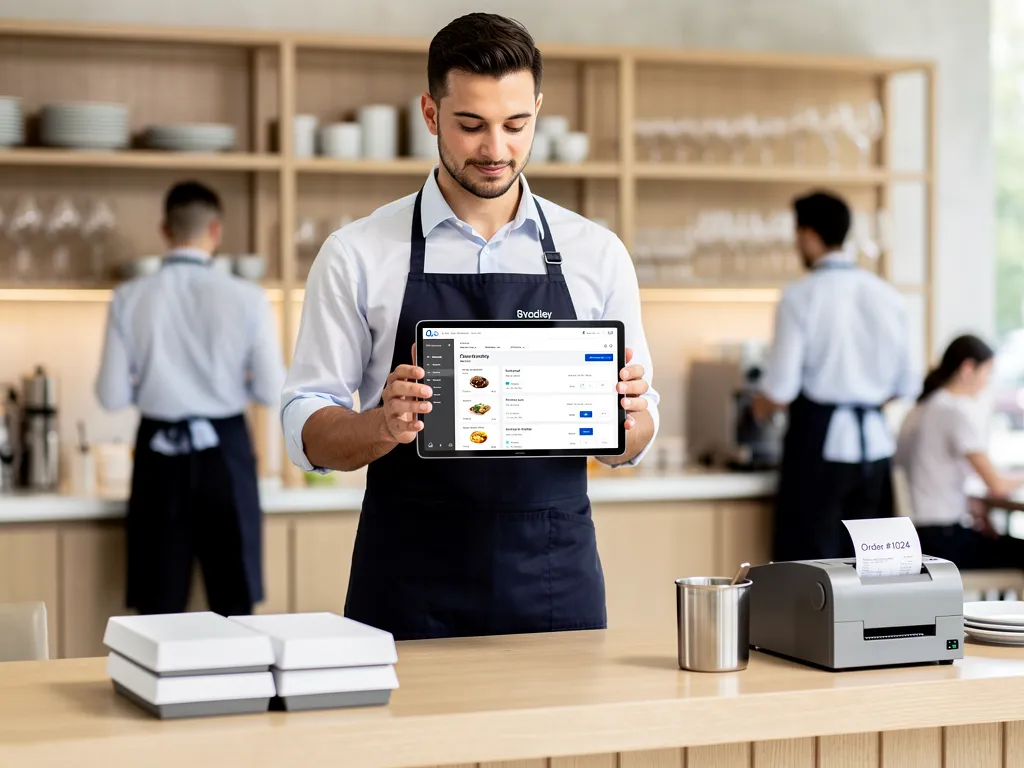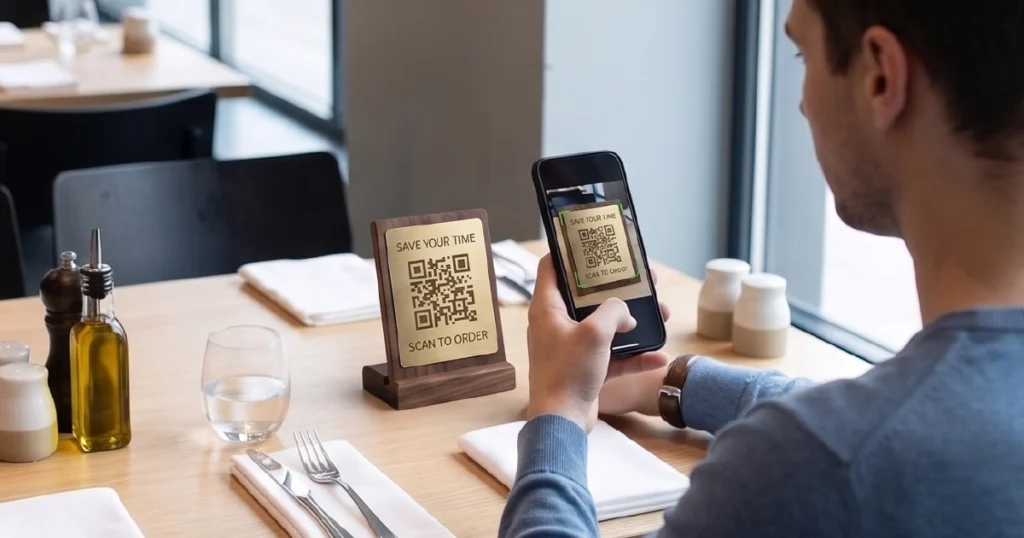

For many restaurants, the question is no longer whether to digitize ordering. Instead, the real question is which format actually works in practice — QR, kiosk, or tablet.
QR ordering, kiosk ordering, and tablet ordering are three common formats of digital ordering systems used in restaurants. Although all three reduce friction in how guests place orders, each one fits a different operational model.
As a result, many operators compare QR vs kiosk vs tablet ordering before deciding which setup makes the most sense for their venue.
This decision affects service speed, guest experience, staff workload, and, ultimately, revenue.
To choose well, restaurant operators need to understand how each option works and where it fits within real service operations.
In this guide, we compare QR ordering vs kiosk vs tablet ordering to help you choose the best system for your restaurant.
What Are QR, Kiosks, and Tablet Ordering Systems
QR ordering, kiosk ordering, and tablet ordering are three types of digital ordering systems. If you want a broader operational overview, see digital ordering systems for restaurants: types, use cases & how they work.
QR ordering
Guests scan a QR code, open a digital menu, place an order, and complete payment on their own device.
Kiosk ordering
Guests use a self-service kiosk — a dedicated in-venue device that lets them browse, order, and pay without staff assistance.
Tablet ordering
Guests use a tablet menu placed at the table, which gives them a controlled restaurant-provided interface for browsing and ordering.
Тhe difference between these formats is not just the interface, but how guests enter, navigate, and complete the ordering process.
How QR, Kiosks, and Tablet Ordering Work in Practice
While all three options enable digital ordering, the guest journey is different in each case.
QR ordering
With QR ordering, guests scan a code and order directly from their own phone. This model works well when flexibility and fast deployment matter more than full control. For more details, see our guide to QR ordering for restaurants.
Kiosk ordering
With kiosk ordering, guests use a self-service kiosk to place orders in a structured, controlled flow.
As a result, staff pressure is reduced and throughput improves in busy environments. Learn more in our guide to self-ordering kiosks in restaurants.
Tablet ordering
With tablet ordering, guests use a device already available at the table. For a fuller breakdown of where this format works best, see our guide to tablet ordering in restaurants.
Because the interface is immediately accessible, there is no need to scan or switch devices. As a result, this creates a consistent, fully controlled experience.
These operational differences directly affect how quickly guests begin ordering and how consistently the process performs.
QR vs Kiosk vs Tablet Ordering: Key Differences
In short:
- QR ordering = flexible and low-cost
- Kiosk ordering = high control and high throughput
- Tablet ordering = controlled dine-in experience
| Factor | QR Ordering | Kiosk Ordering | Tablet Ordering |
|---|---|---|---|
| Setup complexity | Low | Medium–High | Medium |
| Hardware required | None (guest device) | Dedicated kiosks | Tablets at tables |
| Entry friction | Medium (scan + phone) | Low–Medium (walk to device) | Low (instant access) |
| Speed of ordering | High | High | High |
| Staff involvement | Low | Low | Low–Medium |
| Upsell potential | Medium | High | High |
| Control over UX | Low | High | High |
| Best fit (restaurant type) | Casual dining, high traffic | QSR, food courts | Dine-in, full-service |
In summary, each format solves a different operational need:
- QR ordering is best for flexibility and fast deployment
- Kiosk ordering is best for high-throughput environments
- Tablet ordering is best for controlled dine-in experiences
In practice, however, restaurants often compare kiosk vs tablet ordering for dine-in control, or QR vs kiosk ordering for throughput and staffing.
Ultimately, the most important difference still comes down to control. QR ordering depends more on the guest’s device and behavior, while kiosks and tablets let the restaurant shape the experience much more directly.
Pros and Cons of Each Approach
QR ordering
Pros
Low setup cost and fast deployment. Easy to scale across locations. Works well in environments where guests are comfortable using their phones.
Cons
It relies on guest willingness to scan and use their own device. At the same time, it provides less control over the interface and experience. In addition, not all guests prefer mobile-based ordering.
Kiosk ordering
Pros
High level of control over the ordering flow. Strong upselling potential. Reduces pressure on staff and improves throughput.
Cons
Requires hardware investment and physical space. During peak hours, it may create queues. It also requires some initial guest onboarding.
Tablet ordering
Pros
No entry friction — the interface is already available at the table. Delivers a consistent and controlled user experience. Therefore, it is especially well suited for dine-in environments.
Cons
Requires device management and maintenance. Upfront costs are higher than QR. It is also less flexible in highly dynamic layouts. You can also compare the two approaches directly in QR ordering vs tablet ordering.
When to Use QR, Kiosk, or Tablet Ordering
In general, each format performs best in specific operational contexts.
QR ordering works best for:
- high-traffic restaurants with peak-hour congestion
- casual dining environments
- outdoor seating areas
- fast deployment across multiple locations
Kiosk ordering works best for:
- quick-service restaurants (QSR)
- food courts and high-throughput environments
- takeaway-heavy operations
- venues where staff workload needs to be minimized
Tablet ordering works best for:
- dine-in restaurants
- premium casual environments
- concepts focused on upselling and experience control
- venues where consistency is critical
In practice, however, most restaurants are not choosing between these formats in isolation. Instead, the right choice depends on how guests move through the space and how orders are processed.
Put simply, QR ordering is the most flexible option, kiosks are strongest in high-throughput environments, and tablet ordering works best where experience control matters most. For a more decision-focused framework, see how to choose the right ordering system for your restaurant.
Can You Combine QR, Kiosk, and Tablet Ordering
Importantly, these formats are not mutually exclusive.
In many cases, therefore, the most effective setup combines multiple ordering channels within a single digital ordering system.
For example:
- QR ordering can handle peak-time overflow and quick access
- kiosks can manage high-volume ordering and takeaway flow
- tablets can provide a consistent dine-in experience
When these channels are connected through a shared backend and POS integration, they create a unified and flexible ordering environment.
As a result, restaurants can adapt to different guest behaviors without fragmenting operations.
How to Choose the Right Ordering Setup
Many restaurants search for the best ordering system, but there is no single answer.
In practice, the right choice depends on how your restaurant actually operates.
Key factors to consider include:
- type of service (QSR, casual, full-service)
- guest volume and peak patterns
- average order value and upselling strategy
- staff availability and operational constraints
- physical layout of the venue
Ultimately, the goal is not just to choose a format, but to choose a setup that reduces friction while supporting your specific operational model. If you are evaluating formats in more detail, see how to choose the right ordering system for your restaurant.
Conclusion
QR ordering, kiosk ordering, and tablet ordering all improve how restaurants handle orders — but they do so in different ways.
In reality, there is no single best option for every restaurant. Instead, the right choice depends on your service model, guest behavior, and the level of control you want over the experience.
In many cases, the strongest results come not from choosing one channel, but from combining them into a connected ordering system.
If your priority is flexibility, choose QR. For throughput, kiosks are the better fit. For experience control, tablets are the strongest option.
Want to see how QR, kiosk, and tablet ordering work together in practice?
Explore how Gravy’s digital ordering platform connects ordering channels with POS workflows to improve speed, consistency, and revenue.