
Restaurants looking to improve service speed, present menus more clearly, and increase upselling often focus on the same few tools: QR ordering, self-service kiosks, and tablet-based solutions.
Tablet ordering sits in a very specific place between those options. It offers more control and consistency than QR ordering, but feels more personal and flexible than a front-counter kiosk.
At the same time, this approach is not the right fit for every venue. It brings clear advantages, but also introduces hardware, maintenance, and operational considerations that some restaurants do not need.
That is why the real question is not whether it is a good solution in general. It is whether it fits the way your restaurant actually works.
What Is Tablet Ordering in Restaurants?
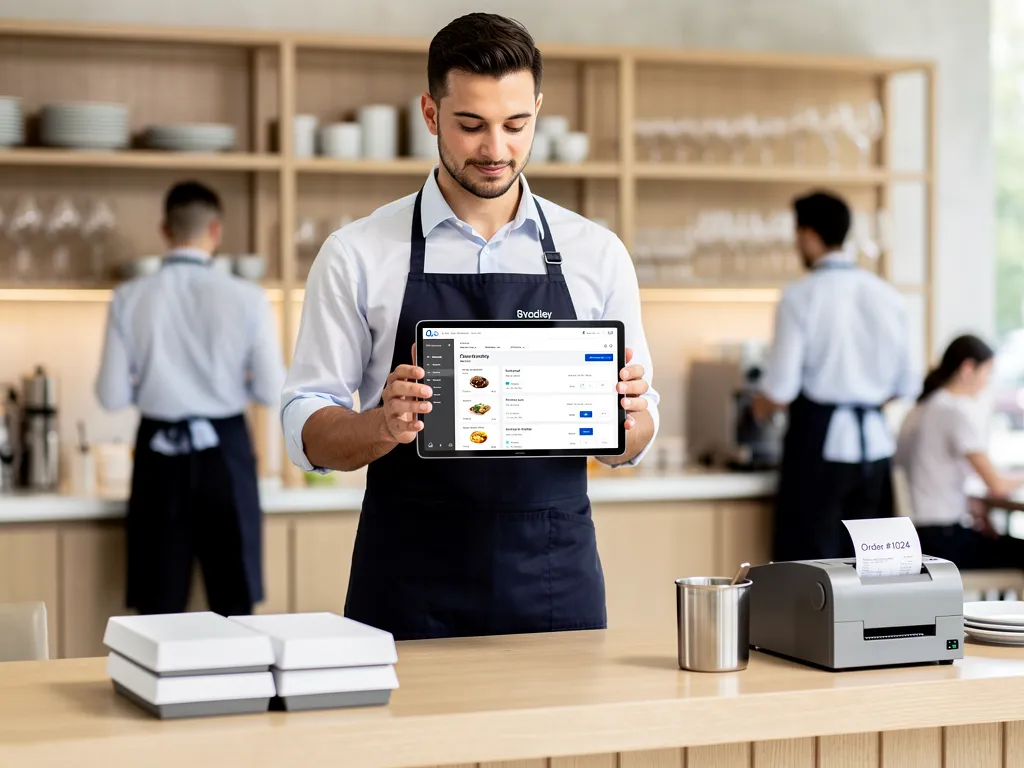
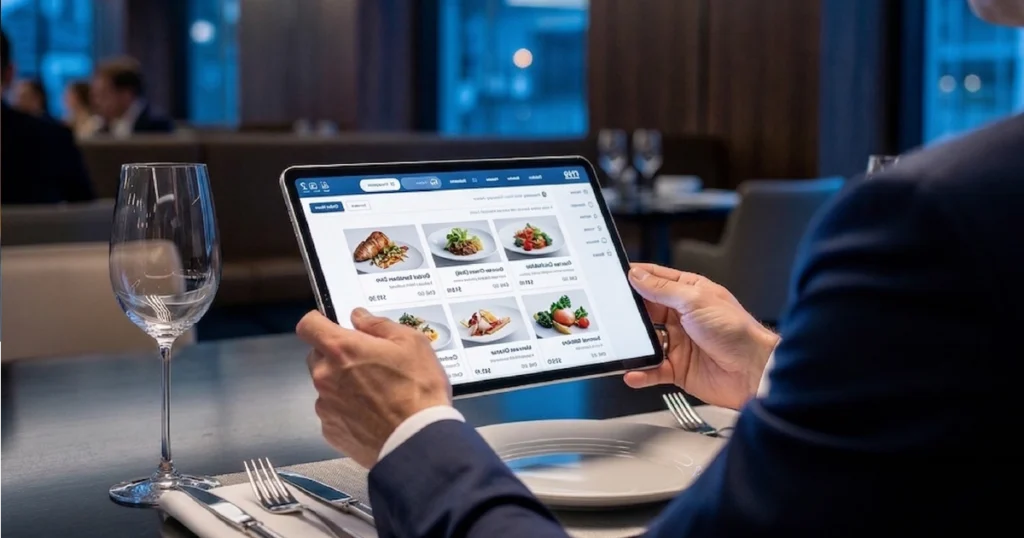
Tablet ordering allows guests to browse a digital menu and, in many cases, place orders directly through a device provided by the restaurant.
The device may be placed on the table, handed over by staff, or used as part of a more controlled in-venue ordering flow. Unlike QR ordering, which depends on the guest’s own smartphone, this setup relies on restaurant-managed hardware. Unlike a self-service kiosk, it usually feels more personal and embedded into the dining experience.
In practice, a tablet menu can function as more than a menu. It can guide browsing, support ordering, highlight upgrades, collect modifiers, and connect the guest more directly to the restaurant’s ordering workflow.
How Tablet Ordering Works in Practice
In a typical setup, the guest receives access to a restaurant-owned tablet that displays the menu in a controlled digital interface.
- the guest browses categories and products on the device
- selects items, modifiers, and add-ons
- submits the order directly or with light staff assistance
- the order moves through the restaurant’s system, ideally through POS integration
This matters because the restaurant controls the presentation layer. Screen size, layout, product hierarchy, images, prompts, and navigation are all more predictable than on guest-owned mobile devices. That is one of the main reasons this model performs differently from QR ordering. You can see that contrast more directly in QR ordering vs tablet ordering.
Why Some Restaurants Prefer Tablet-Based Ordering
This approach solves a specific operational and guest-experience problem: how to make digital ordering feel consistent, guided, and easy without relying entirely on the guest’s phone.
That can be valuable in restaurants where:
- menus are visually rich or structurally complex
- the restaurant wants stronger control over how items are presented
- upselling should be built into the browsing flow
- guests benefit from a larger, easier-to-follow interface
- the venue aims for a more premium and curated in-table experience
In these environments, tablets are not just about digitizing the menu. They help shape the guest journey more deliberately.
Key Benefits of Tablet Ordering
More Control Over the Guest Experience
With tablets, the restaurant controls the full interface. That means the same layout, the same flow, and the same ordering logic for every guest.
Compared with QR ordering, that reduces variation caused by different phone sizes, browser behavior, screen brightness, or device limitations. The experience feels more predictable and easier to optimize.
Stronger Visual Presentation
A larger screen gives restaurants more room to present dishes clearly, organize categories better, and create a more guided menu journey.
This is especially useful for restaurants with visual menus, combo-heavy structures, or products that benefit from richer explanation and imagery.
Better Upselling Opportunities
Tablet-based interfaces give upsells more room to work naturally. Recommendations, add-ons, bundles, and upgrades can appear in a more structured and visible way than on smaller mobile screens.
This makes them a strong fit for restaurants that want to improve performance through built-in add-ons and upsells.
Less Dependence on Guest Device Behavior
Not every guest wants to scan a code or use their own phone to order. Tablets remove that step.
The ordering environment is already there, ready to use, and optimized by the restaurant.
Cleaner Ordering Flow
When implemented well, this setup reduces friction between menu discovery and order submission. Guests do not need to wait for a printed menu, struggle with a mobile page, or rely entirely on staff explanations.
The result is a smoother, more independent ordering flow.
Where Tablet Ordering Works Best
This model performs best in restaurants where the guest stays long enough to browse comfortably and where the experience matters as much as speed.
- casual dining restaurants with in-table browsing
- family-friendly venues where visual navigation helps
- restaurants with broad menus, modifiers, and upsell depth
- hospitality concepts focused on curated experiences
- venues where staff support is present but not required for every step
In these settings, a tablet feels like a natural extension of service rather than a replacement for it.
Where Tablet Ordering Is Less Effective
This approach is not universally better. In some restaurant models, it adds complexity that may not be necessary.
- when minimizing setup cost is the main priority
- in ultra-fast, high-throughput counter environments
- when hardware maintenance becomes a burden
- in highly dynamic or outdoor-heavy layouts
- when guests already prefer using their own phones
In those situations, QR ordering may offer a lighter solution, while self-service kiosks may perform better in high-volume self-service settings.
Often, these limitations are not caused by the concept itself, but by how it is implemented in practice.
Common Mistakes When Implementing Tablet Ordering
Even when the concept fits the restaurant, tablet-based ordering can fail if it is implemented incorrectly. In many cases, the issue is not the technology itself, but how it is introduced into daily operations.
- using tablets without proper POS integration, creating parallel workflows
- overloading the interface with too many steps or unclear navigation
- ignoring staff involvement, leading to confusion during service
- failing to maintain devices (charging, updates, physical condition)
- treating tablets as a replacement for service instead of an extension of it
Restaurants that succeed with tablet-based ordering usually treat it as part of a broader operational system, not as a standalone feature. For the wider model, see digital ordering systems for restaurants.
Tablet vs QR Ordering
The difference between tablets and QR ordering is not just hardware. It is control versus flexibility.
QR ordering usually wins on rollout speed, cost, and scalability. Restaurants can deploy it quickly without buying and maintaining devices.
Tablet-based systems usually win on consistency, visual presentation, and interface control.
- QR ordering is lighter and more flexible
- tablet-based ordering is more controlled and curated
The right choice depends on how your service model actually works day to day, not on which option sounds more advanced. If you are making that decision now, see how to choose the right ordering system for your restaurant.
Tablet Ordering vs Self-Service Kiosk
Tablets and kiosks solve different problems.
Self-service kiosks are designed for throughput and queue reduction in high-traffic environments.
Tablet-based ordering is more embedded into the dining experience, supporting browsing and ordering closer to the table with a more relaxed pace.
- kiosks are built for structured self-service at scale
- tablets support guided in-venue ordering
Operational Considerations Before Choosing Tablets
Before implementing this model, restaurants should consider the operational side, not just the interface.
- device purchasing and replacement costs
- charging and battery management
- cleaning and storage
- staff workflows around device handling
- connection to POS systems
These factors matter because tablets become part of daily operations, not just a front-end feature.
Tablet Ordering as Part of a Larger System
This setup delivers the most value when it is part of a broader system.
- QR menus for flexible access
- kiosks for high-volume ordering
- upselling tools
- POS integration
When connected, these tools create a more flexible and efficient ordering flow.
Conclusion
This model is not the right choice for every restaurant. But in the right environment, it can create a more consistent, guided, and commercially effective ordering experience.
It offers more control than QR ordering, while providing a more embedded experience than kiosks.
The key is not choosing tablets because they feel modern, but because they fit the way your restaurant actually operates.
Want to see how tablet ordering works in a real restaurant setup?
Explore how tablet menus, QR ordering, and self-service kiosks can work together in one connected system.