How Self-Service Ordering Works in Restaurants
See how restaurants use self-service ordering to reduce staff workload, speed up service, and handle more orders with less friction.
Self-service ordering allows guests to browse, order, and pay without relying on staff at every step. This reduces pressure on the team and creates a faster, more flexible service experience.
With Gravy, self-service ordering works across multiple formats — from QR Menu and Tablet Menu in dine-in environments to QR Kiosk and Tablet Kiosk in takeaway and high-traffic settings. All orders are processed through POS integration and distributed using order routing.
This allows restaurants to serve more guests, reduce queues, and maintain consistent service quality without increasing staff workload.
Explore the use cases below to see how self-service ordering works in real restaurant operations.
How Tash & Tasha Speeds Up Table Service with QR Ordering and Direct POS Sync
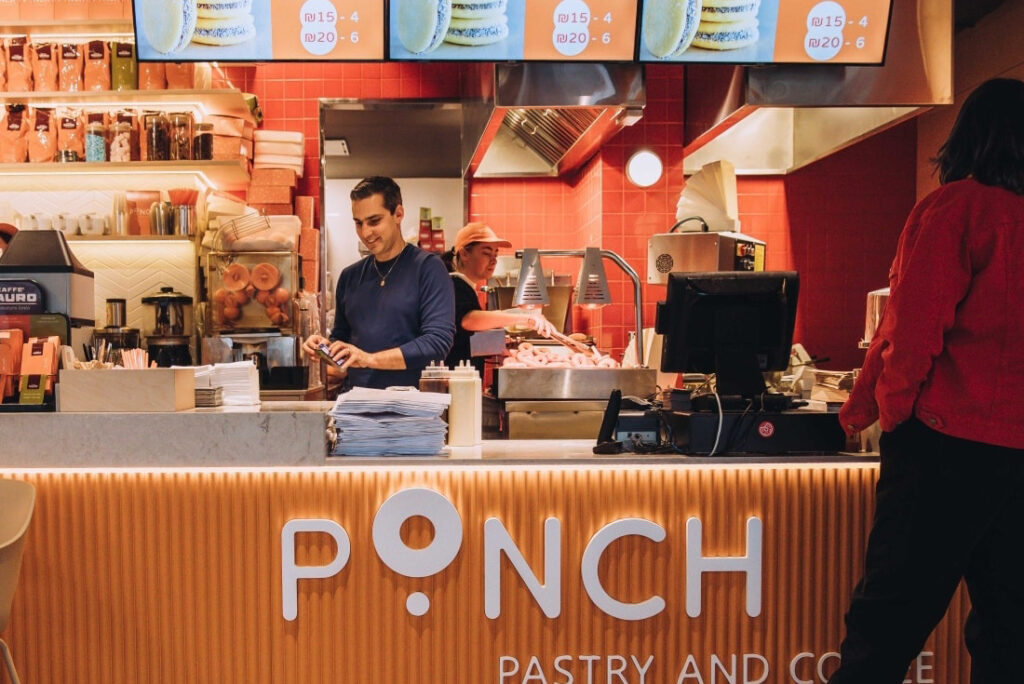
How Ponch Speeds Up Takeaway with QR Ordering and Direct POS Flow
How Kabir Winery Runs Table Service and Takeaway in One POS-Connected Flow
What
Self-Service Ordering Solves
- Reduces reliance on staff for order-taking
- Speeds up ordering and payment processes
- Eliminates queues and counter bottlenecks
- Improves consistency across all orders
- Allows restaurants to handle more demand with the same team
How Self-Service Ordering
Works in Restaurants
1. Guests browse and order independently
Menus are available via mobile devices or on-site screens, allowing guests to start ordering instantly.
2. Orders go directly into the system
With POS-connected ordering, orders are processed without manual input.
3. Preparation starts automatically
With structured routing, orders are sent to the correct preparation points.
4. Staff focus on service, not transactions
Team members can focus on guest experience instead of routine order-taking and payment handling.
Why Self-Service Ordering Is Growing
Labor shortages and rising operational costs make it harder for restaurants to rely entirely on traditional service models.
Self-service ordering helps reduce workload while maintaining or even improving service speed and consistency.
By combining guest-driven ordering with POS-connected workflows, restaurants create a more scalable operating model that works across different service formats.
Products That Enable
Self-Service Ordering
FAQ
Self-service ordering in restaurants means guests can browse menus, place orders, and often pay without depending on staff at every step. It can work through QR menus on personal phones, tablet-based ordering at the table, or kiosk-style ordering in takeaway environments.
No. Self-service ordering does not replace waiters entirely. It reduces routine tasks such as order-taking and payment handling, so staff can focus more on hospitality, food delivery, and guest support.
No. Self-service ordering is used not only in fast food, but also in cafés, casual dining, hybrid restaurants, and full-service venues. The format depends on the service model, guest flow, and how the restaurant wants to balance convenience with staff interaction.
QR Menu, Tablet Menu, QR Kiosk, and Tablet Kiosk all support different self-service scenarios. Some are better suited for dine-in table service, while others are designed for takeaway, kiosk-style, or hybrid operations.
Self-service ordering improves efficiency by reducing manual workload, speeding up ordering and payment, and making service flow more consistent. It also helps restaurants handle more demand without creating the same level of pressure on staff.
No. With POS-connected systems, restaurants can introduce self-service ordering without rebuilding their entire operation. The goal is to add a more efficient guest-facing ordering layer while keeping menus, orders, and preparation workflows connected.
Introduce Self-Service Without Losing Control
See how your restaurant can reduce workload, serve faster, and scale operations with self-service ordering and POS-connected workflows.